Introduction
Chrome Browser এ একটা Professional Look দিলে আপনার কাজের গতি এবং কাজ করার ইচ্ছাকে প্রভাবিত করবে। Simple একটা Demo দেখে নিন Chroem Customize করার পর কেমন হবে নতুন Chroem browserটি !

Instruction
কীভাবে Chrome Browser এ Theme Add করবেন তা জানতে Follow Instruction
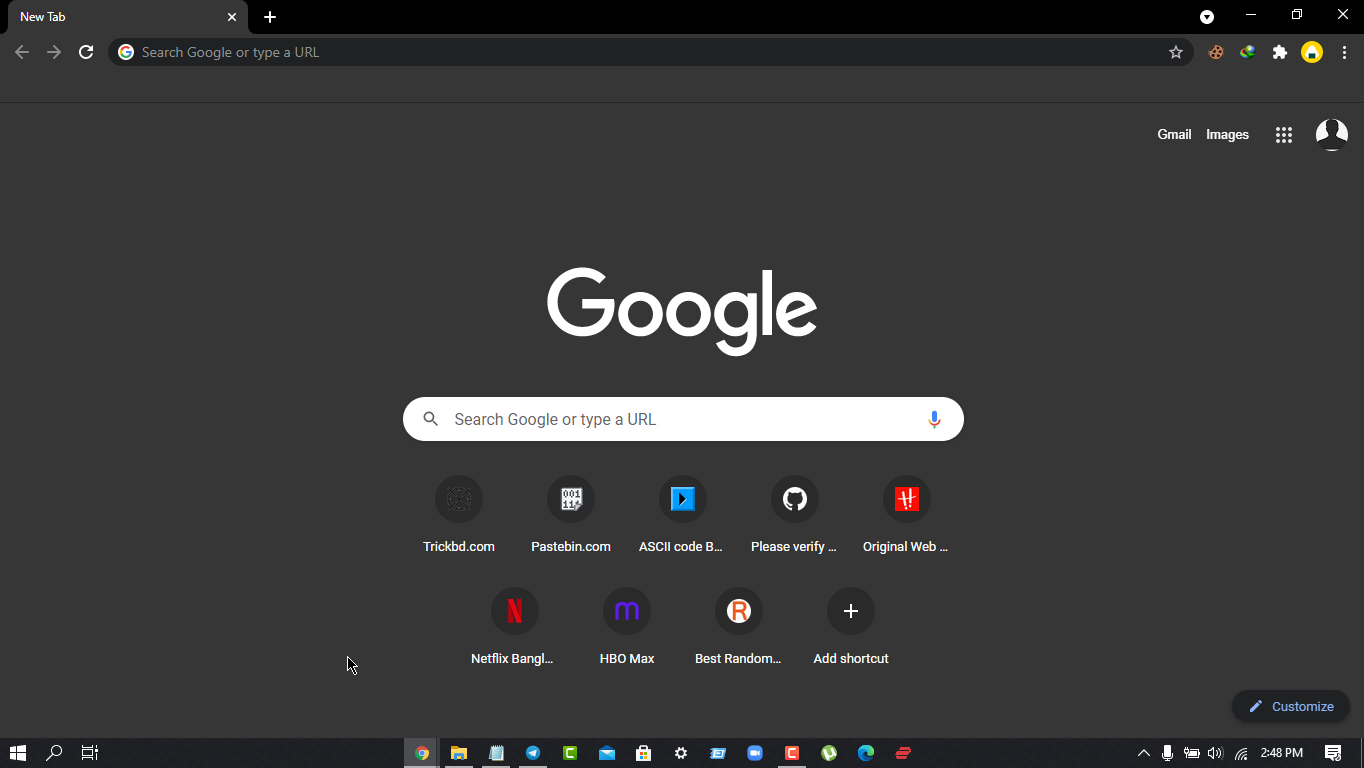
- সাধারনত আপনার Chrome Browserটি দেখতে যেমন হয়
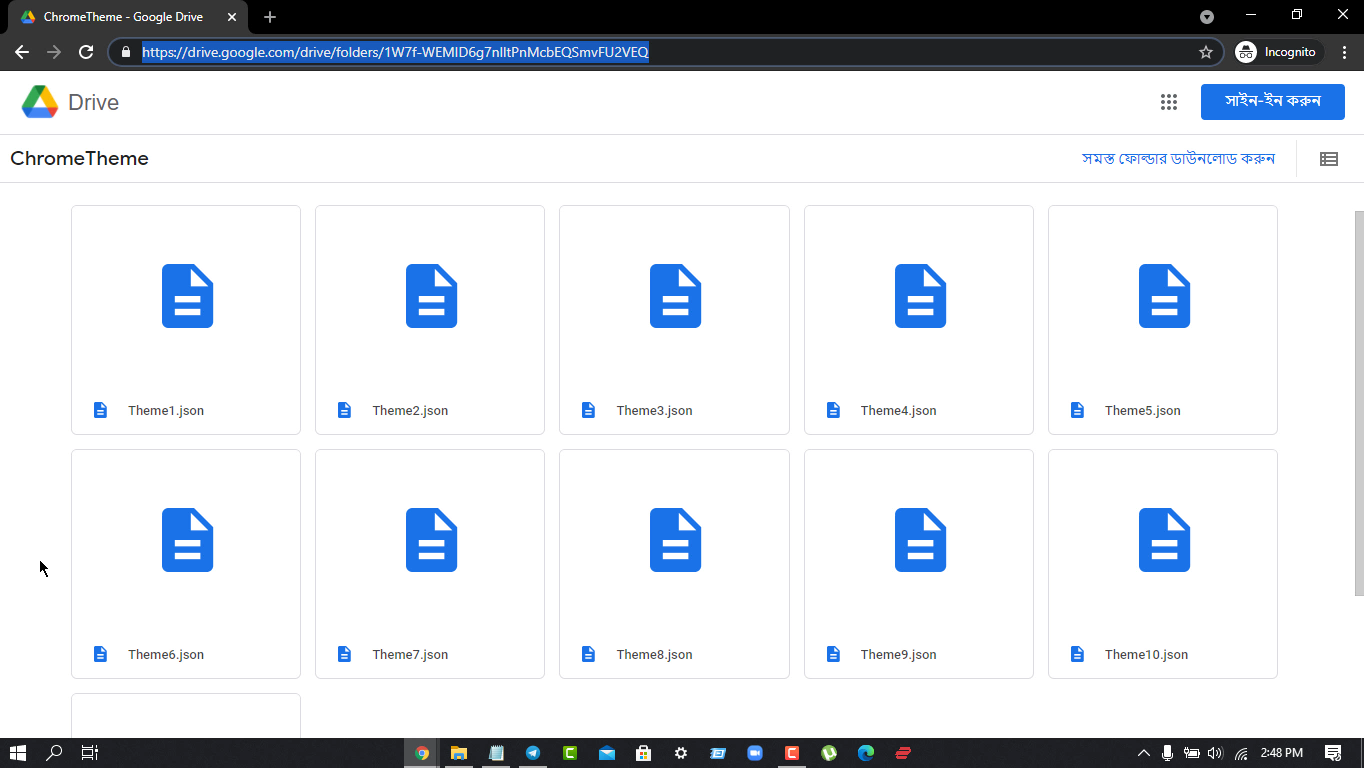
- প্রথমে এই Drive link থেকে 11টি Theme Download করে নিন
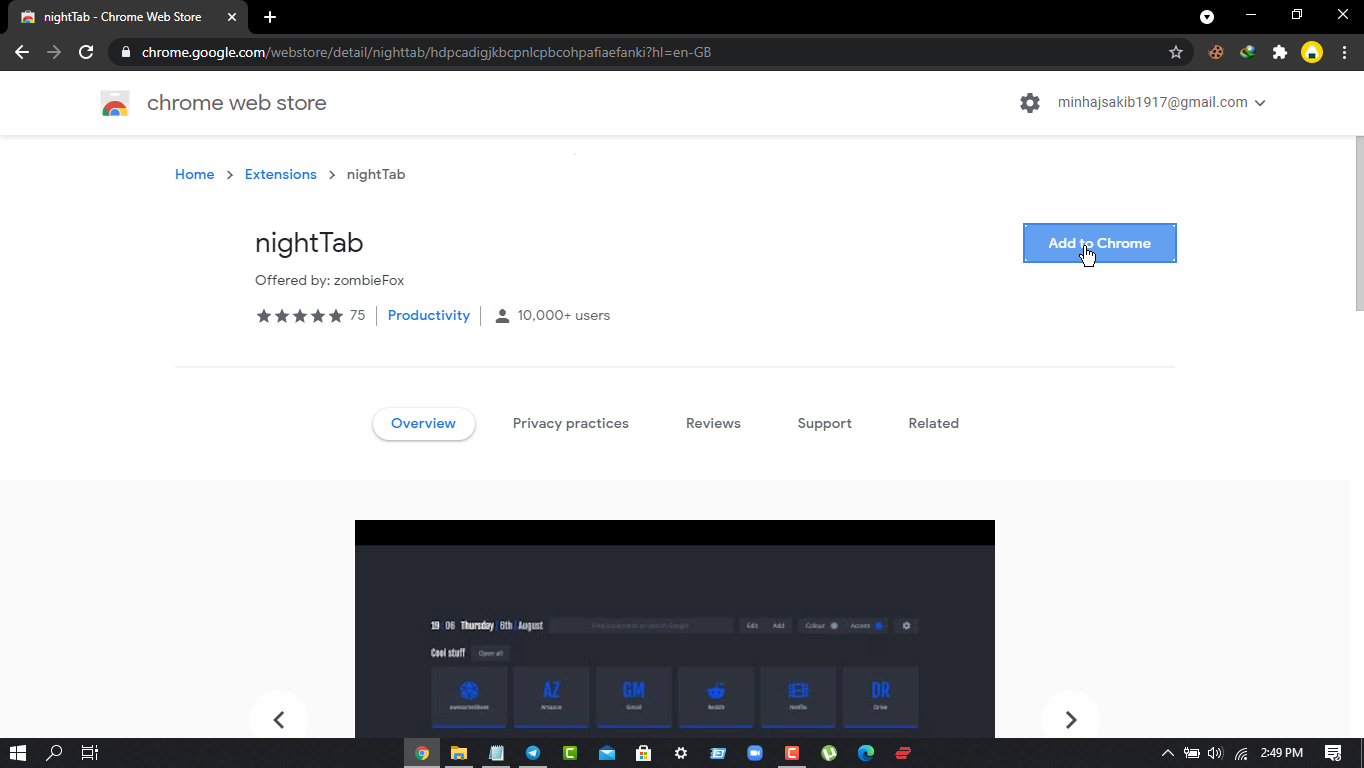
- এবার Chrome Web Store থেকে "Night Tab" Extensionটি Add করে নিন [Extension Link:- Night tab ]
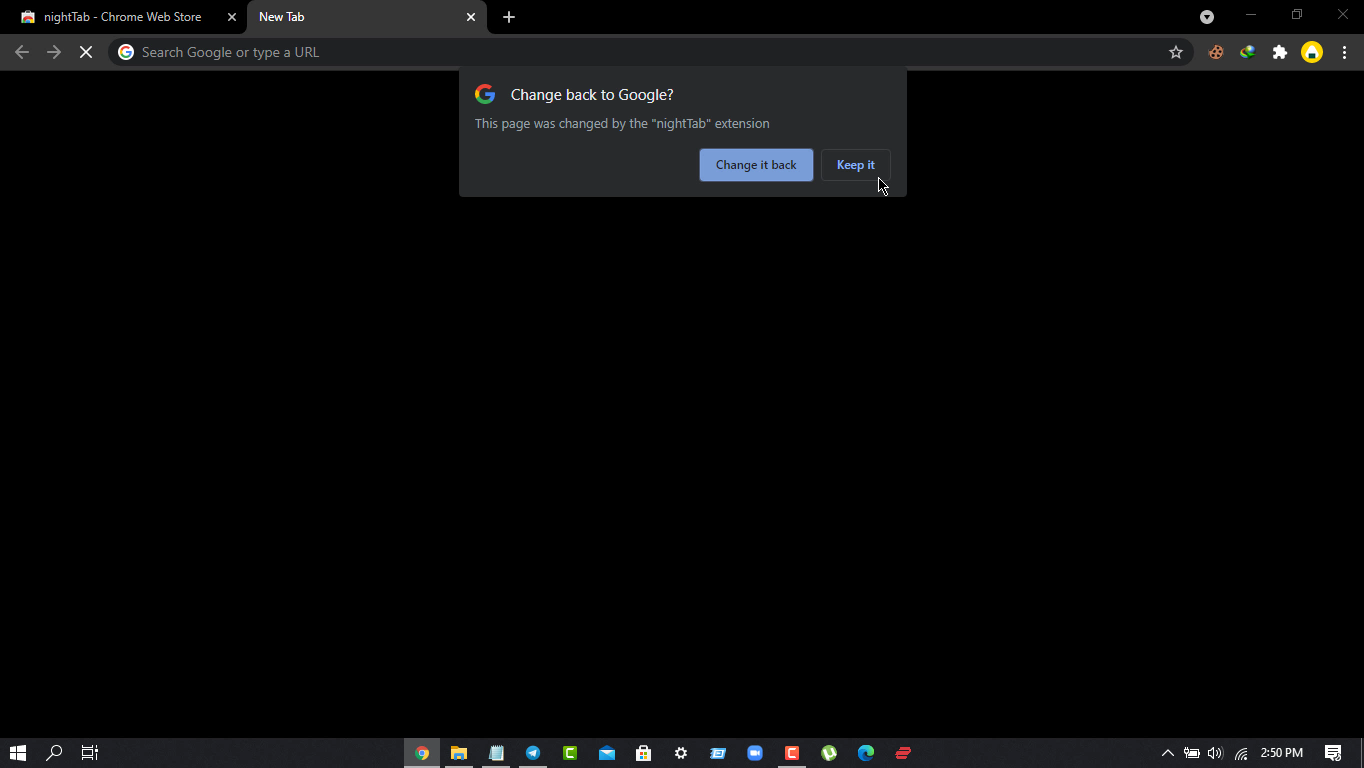
- Add হওয়ার পর New Tab open করে "keep it" এ Click করুন
- ব্যস আপনার Chrome অনেকটা Changed ! কিন্তু Default Themeগুলো তেমন সুন্দর না তাই আমি কিছু Theme দিলাম (2no ধাপ এ )
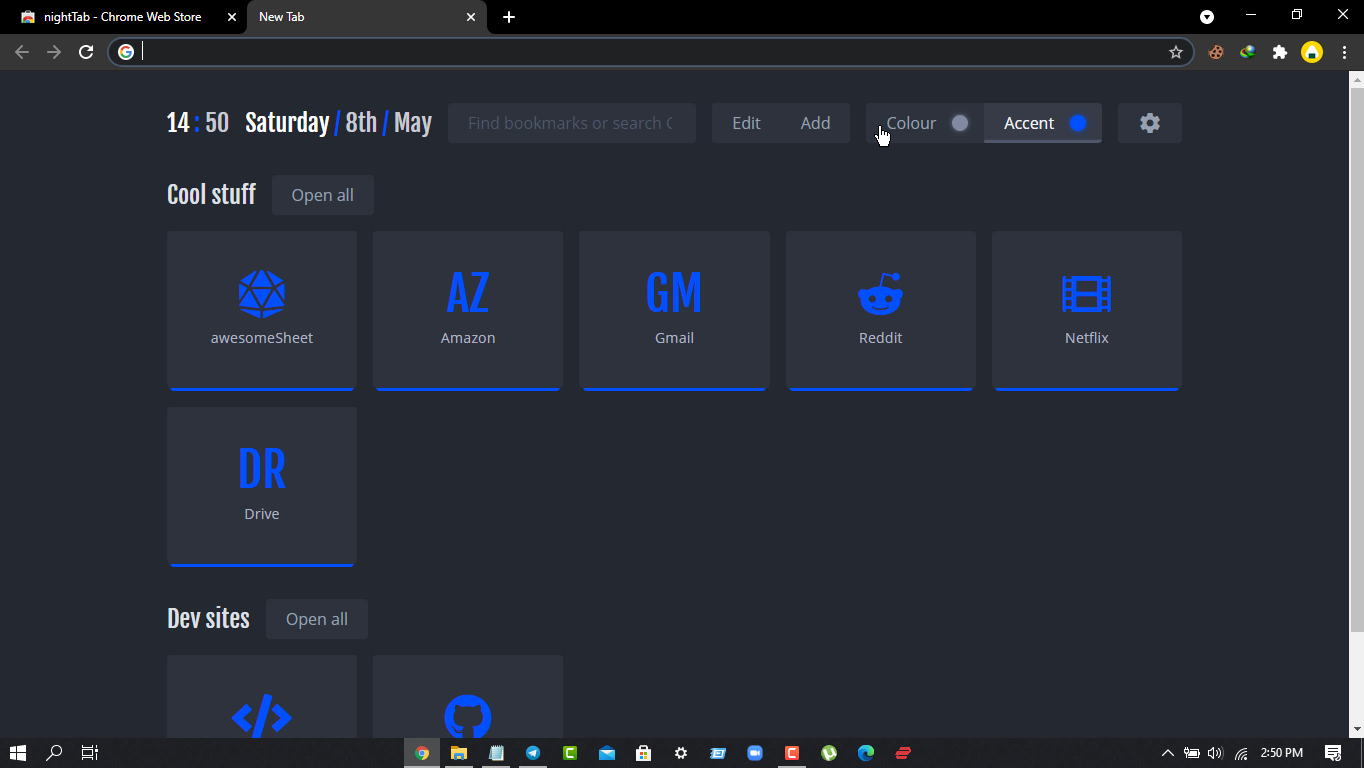
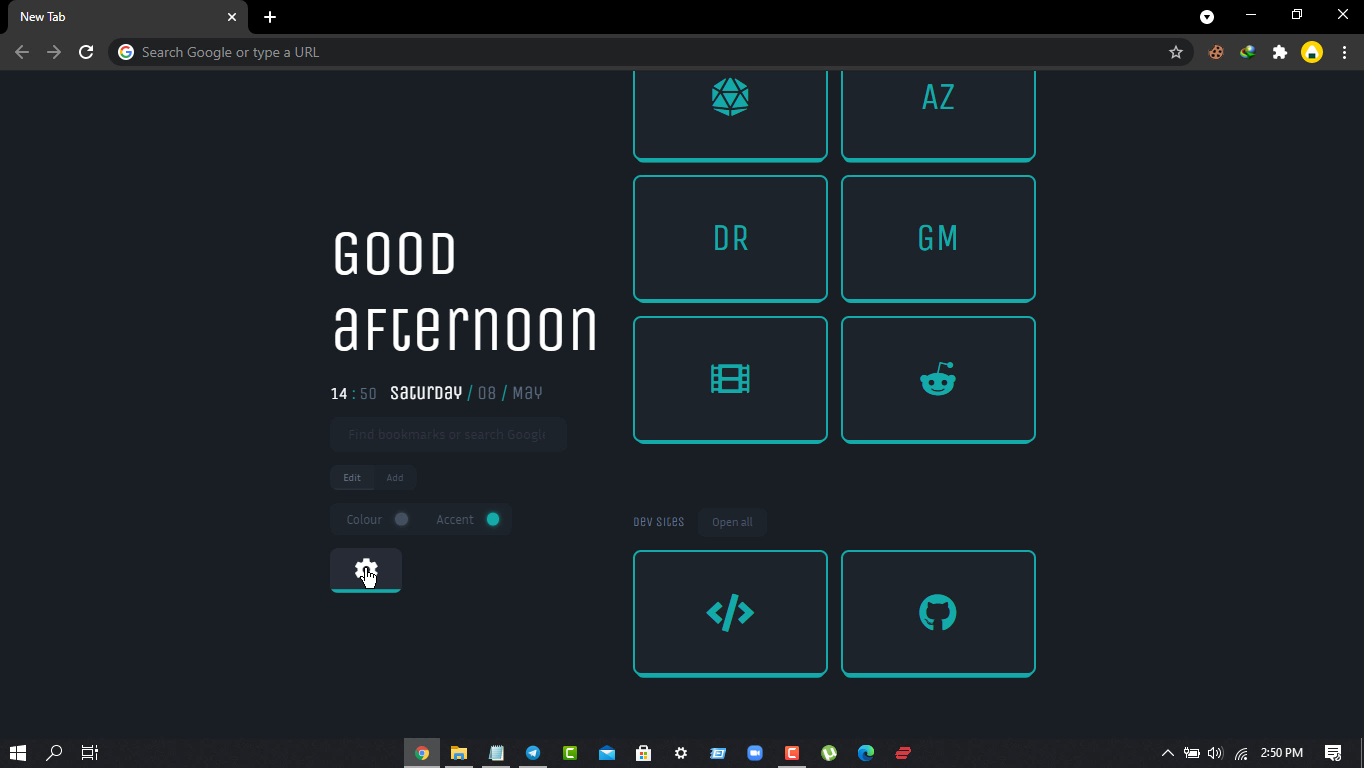
- এবার Theme Change করার জন্য Setting Icon এ Click করুন
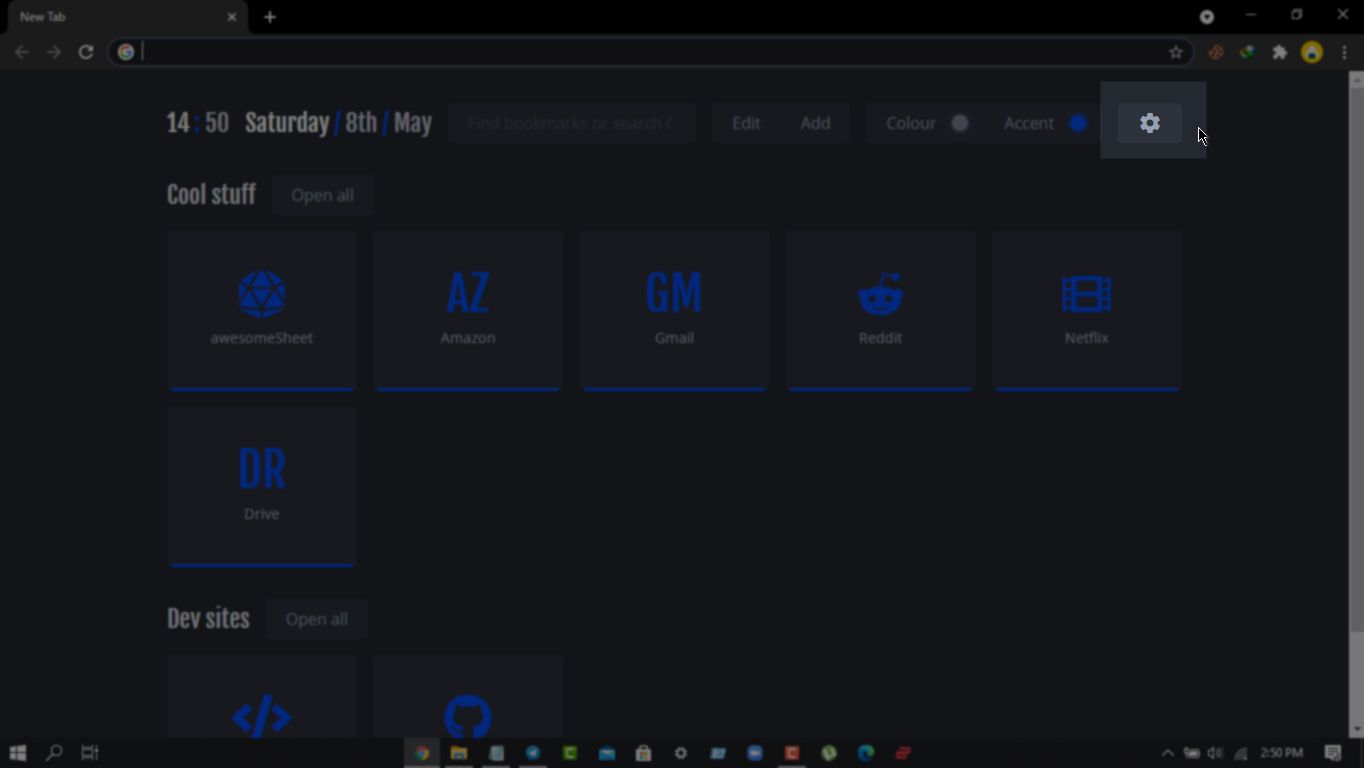
- "Data" Option Select করে Import এ Click করুন
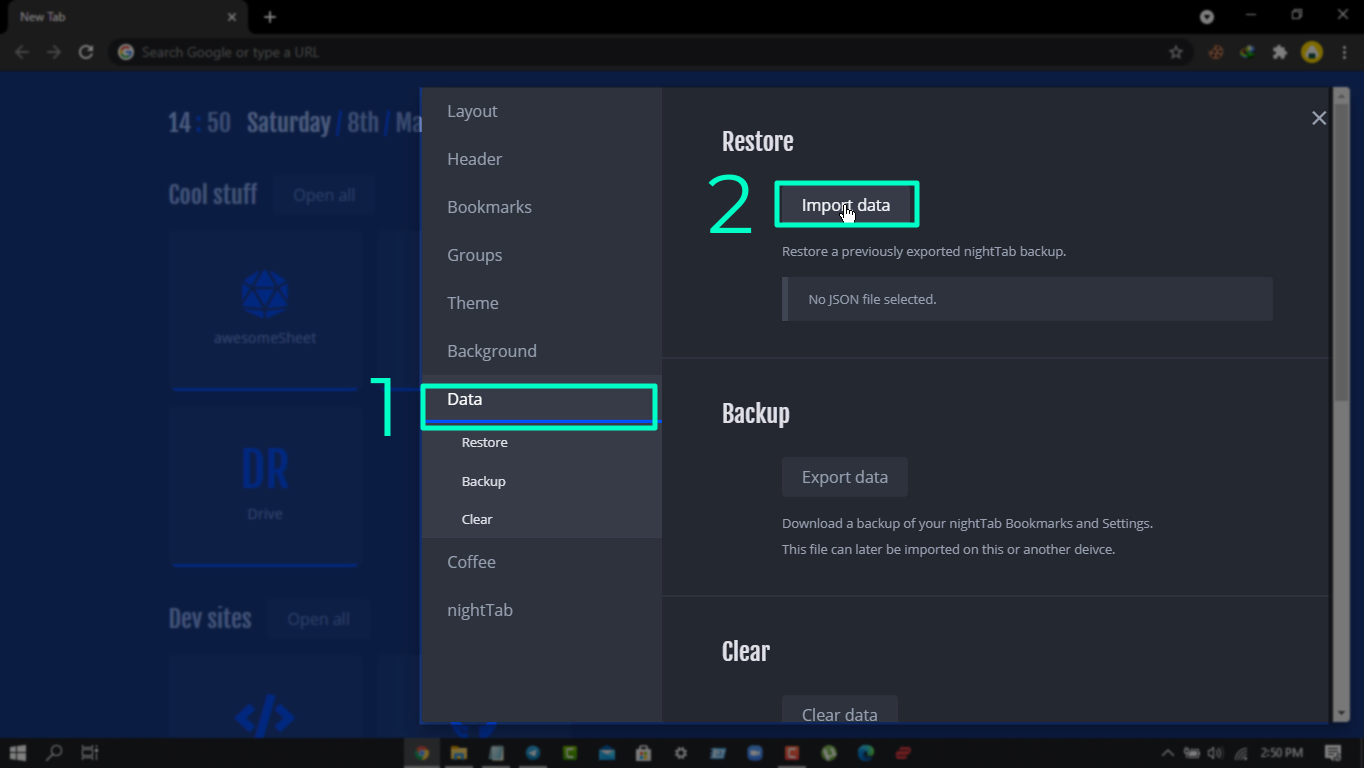
- Download করা যেকোন theme Import করে দিন
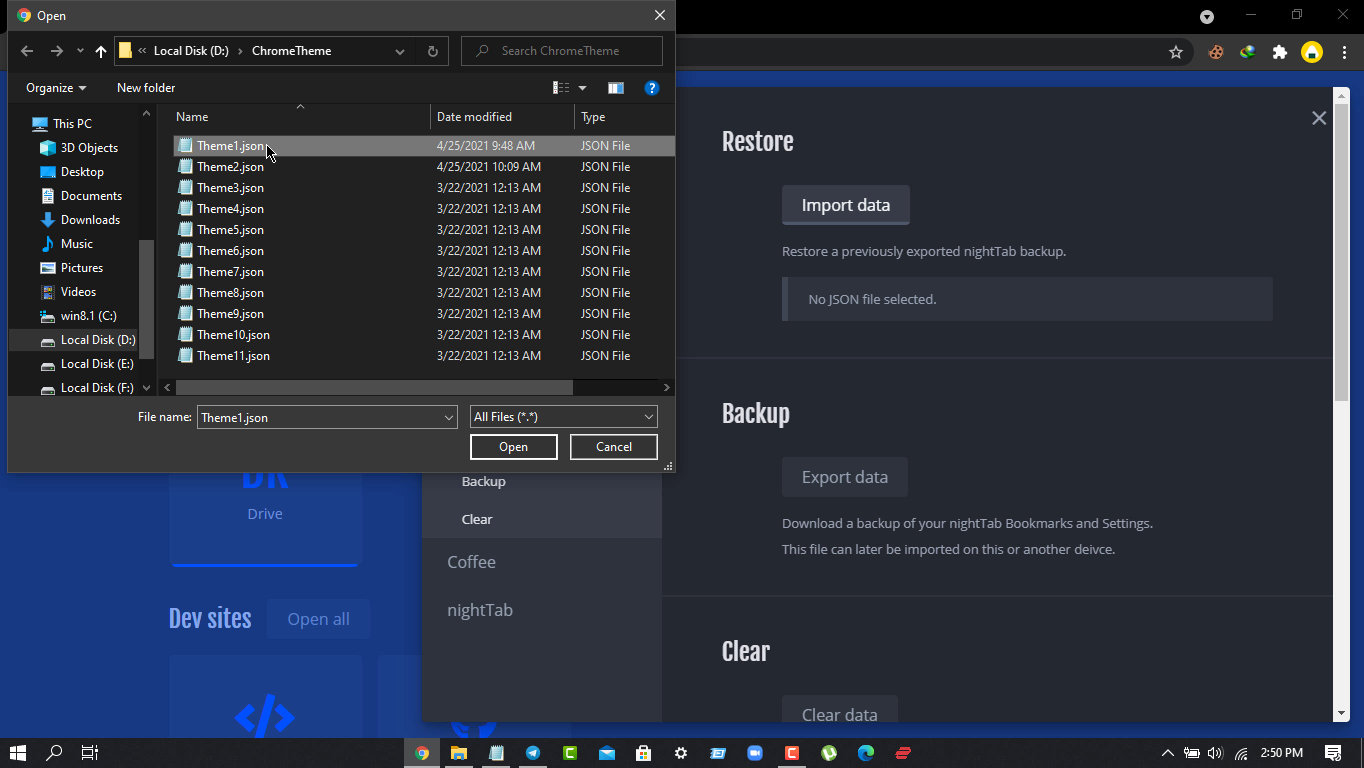
- আপনার Chrome Browser এ look Change হয়ে যাবে
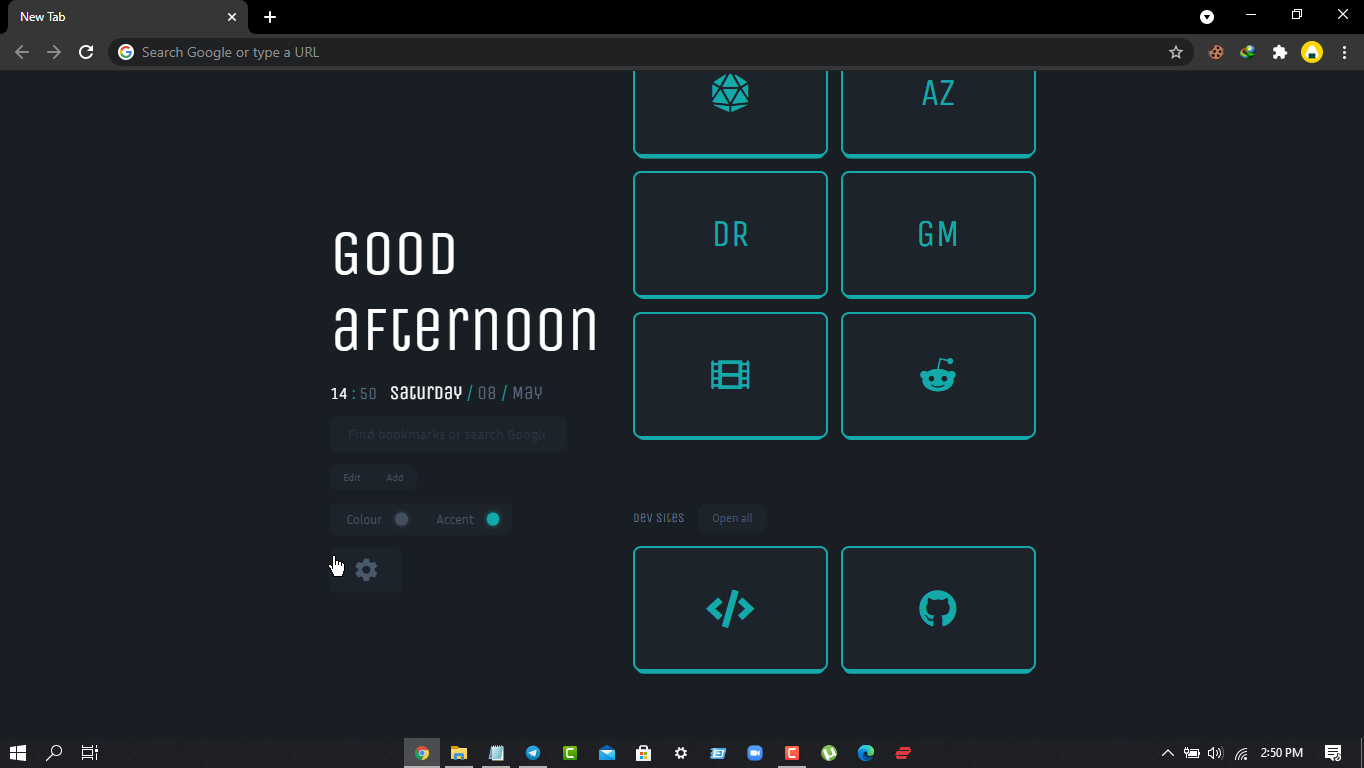
- এবার Setting icon এ Click করে আপনার ইচ্ছামত Customize করতে পারবেন
Conclusion
ব্যস খুব সহজেই Customize করে ফেলা গেলো, তবে 4GB /2GB Ram এর PCতে Chrome performance Stable পাবেন না, Lag Feel হবে।